
Building a unified design language for a growing wellness platform — enabling a small team to ship consistent, accessible experiences at scale.
Outcomes
NatureCounter is an early-stage wellbeing app encouraging users to spend mindful time outdoors by logging, sharing, and setting goals around their nature exposure. When I joined, the app had core functionality in place — but lacked UX consistency, scalable design components, and a visual language to guide future growth.
I built the design system from the ground up: defining the foundations, creating a reusable Figma component library, and producing documentation that made adoption seamless for engineers. The goal was to empower the team to build new features faster without sacrificing quality or consistency.
Industry
Health, Wellness & Fitness
Timeline
2024 — Present
Platform
iOS
Components Built
40+ production-ready
Skills
Design Systems · Tokens · Figma Variables · Accessibility · Documentation
HQ
California, USA · Founded 2020
NatureCounter had core journaling functionality when I joined, but the app had grown without a shared design foundation. Components were built in isolation, styling was applied inconsistently across screens, and there was no token layer to anchor decisions. Every new feature meant starting from scratch.
The first-time user experience in particular was fragmented — onboarding and goal-setting flows lacked the visual clarity needed to convert curious newcomers into committed nature journalers. The team needed a system that could scale with the product, not just patch it.
"Every new screen felt like a negotiation — what should a button look like here? What's the right spacing? A design system answers those questions before they're even asked."
Design systems fail when they're built in isolation. I started with a collaborative foundation sprint — working with engineers and the PM to ensure the system would actually get used, not just specced and shelved.
The Nature Counter Design System launched with a token-first architecture. Every color, space, radius, and motion value is a named token that maps from primitive → semantic → component. This means theme changes (like dark mode) require updating one layer, not hundreds of individual values.
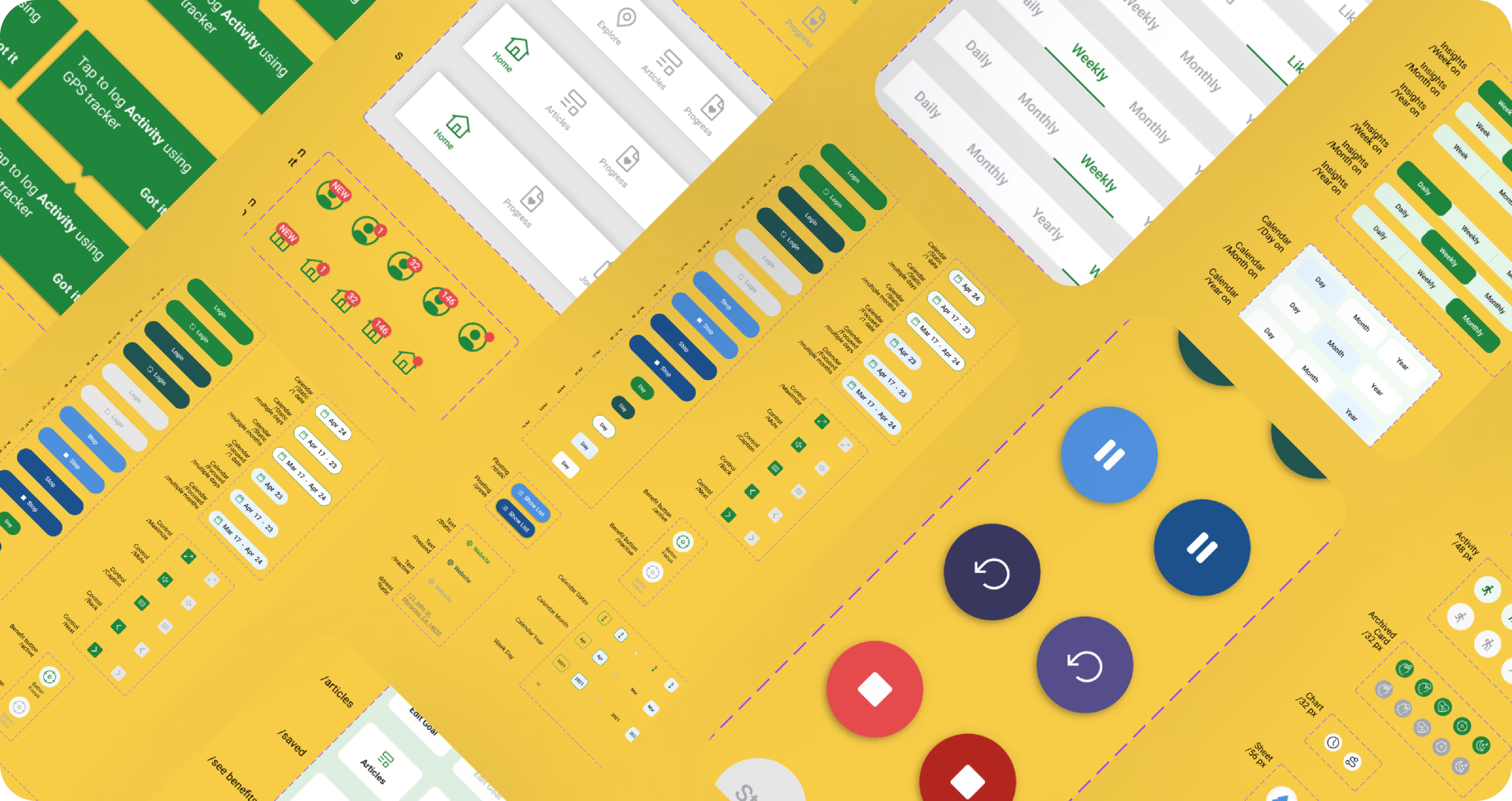
After rollout, measurable improvements across every tracked dimension. The design system removed the guesswork from feature development — new screens could be assembled from existing components instead of rebuilt, and engineers had clear specs to work from on day one.
"A robust design system not only enhanced app reliability — it made it easier to iterate, scale, and adapt the product with confidence."
All available files from the Nature Counter image folder are surfaced below for quick review and reference in one place.
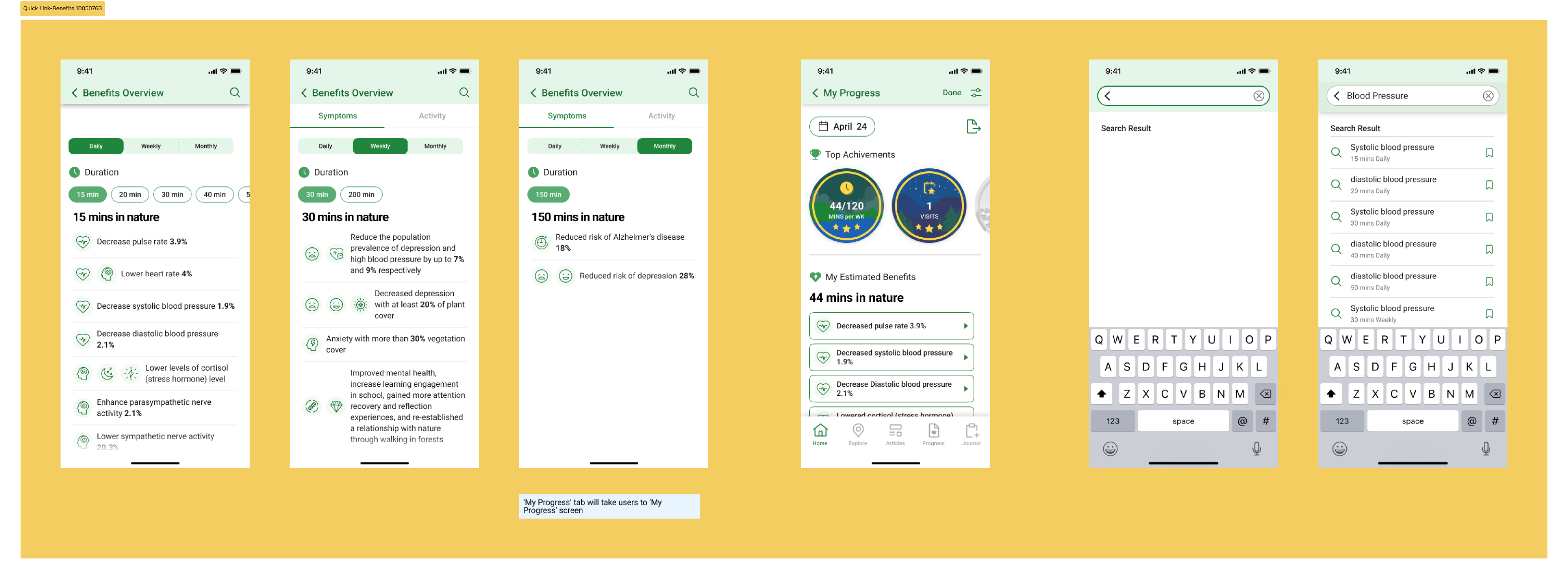
Design System Overview
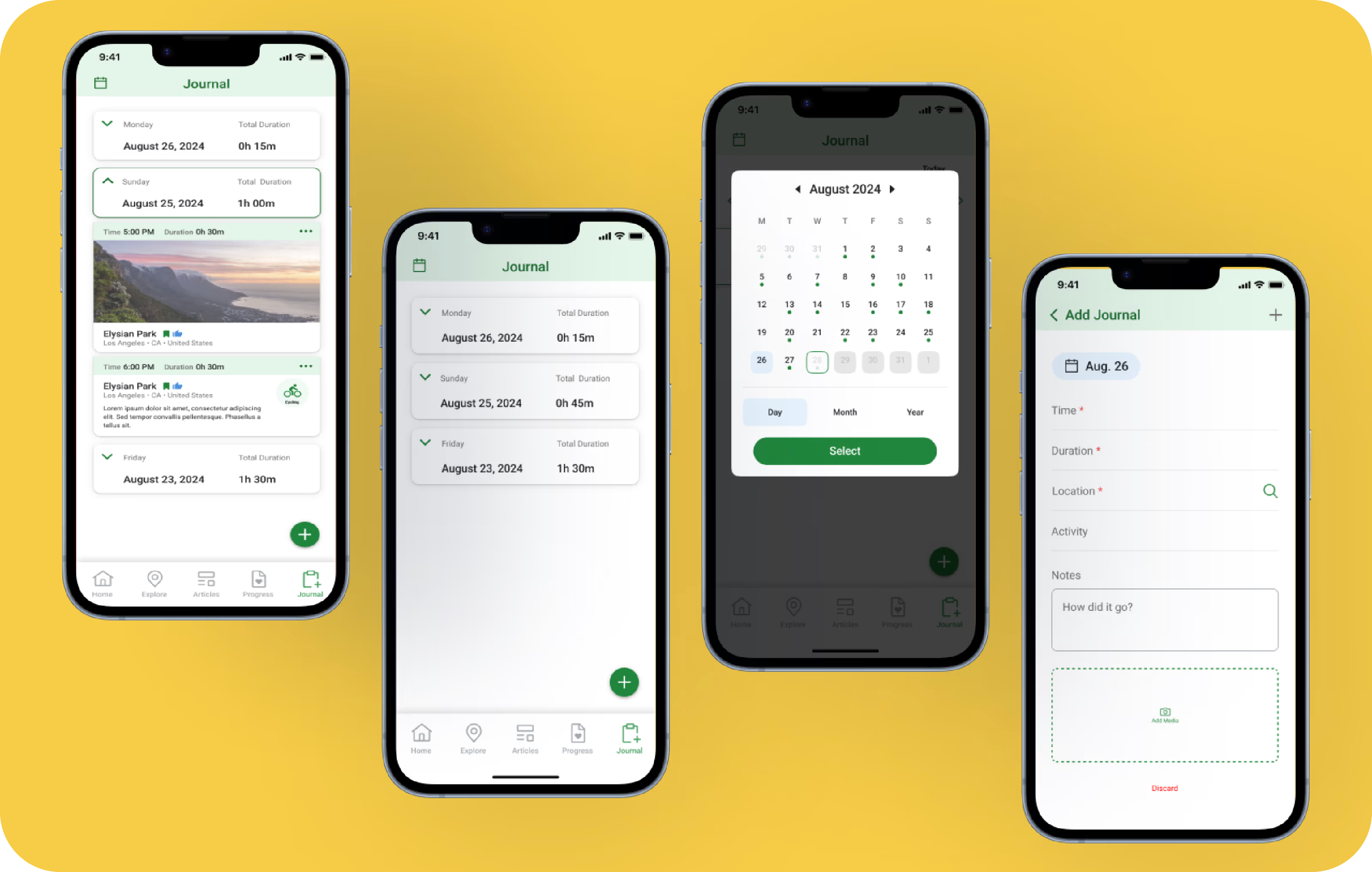
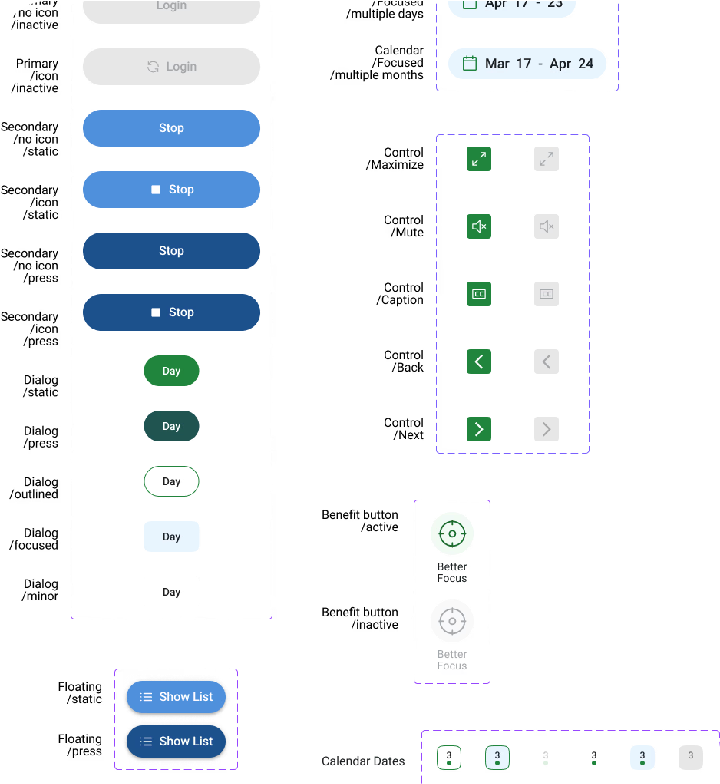
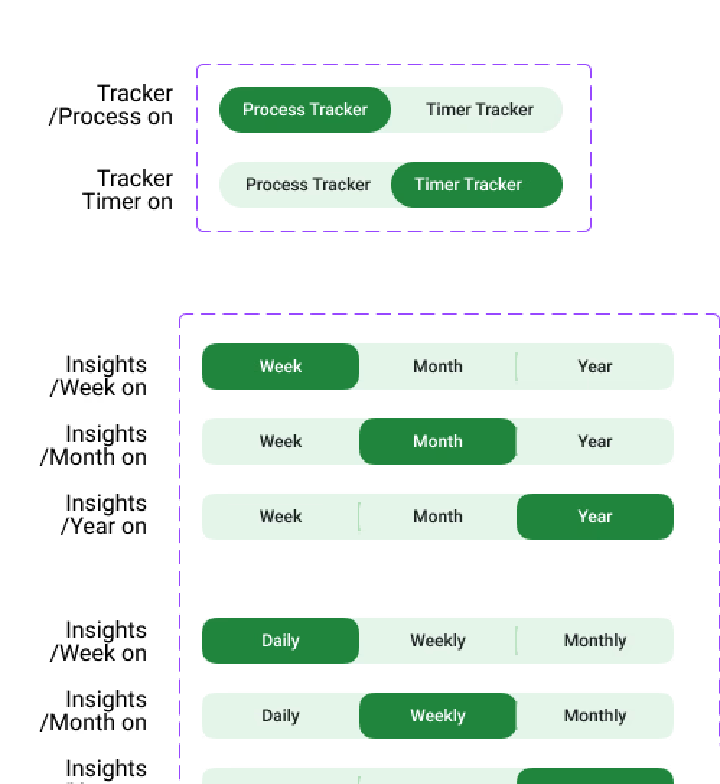
Component Library
Design Tokens
Interaction Patterns
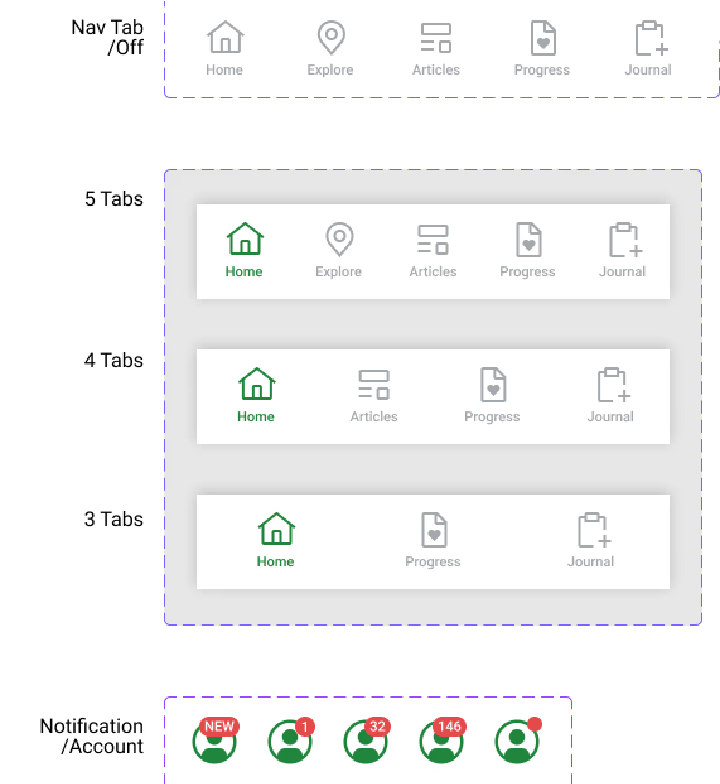
Mobile Component
Iconography
Spacing & Rhythm
Design system projects look deceptively calm from the outside — no user in crisis, no critical flow breaking. But the real constraint is invisible: you're building infrastructure that every future designer depends on, with limited access to end users early, and a delivery deadline that doesn't move. Get the foundations wrong and the team pays for it in every sprint after.
Handoff deadlines were fixed. The system had to be production-quality — half-baked components would create more debt than they solved. So scope control was the lever. I drew a hard line: only what the 100K+ user base would touch in the next two quarters made it into V1.
"A design system isn't done when everything is built — it's done when everything unnecessary has been cut."
Conclusion
Nature Counter taught me that design systems are the most leveraged design work you can do — every hour invested in the system pays back across every future feature, every future engineer, every future sprint.
The 100K users on the platform never see the design system. They just experience a product that always feels coherent. That invisibility is the whole point.
Glad we could cross paths.
Out of anywhere you could be, you're here.